Let me tell you a story.
A friend of mine, a software developer, complained about wrist pain for months. He tried ergonomic keyboards. He tried wrist braces. Nothing helped.
Then he switched to Dvorak.
Two weeks of typing at 10 WPM, feeling like a beginner again. Constant frustration. He almost gave up three times.
Then something clicked. His speed came back. Then he passed the oldy QWERTY peak. And his wrist pain? Gone.
That's the Dvorak experience in a nutshell. Brutal transition. Potentially huge payoff.
But is it actually faster? Does it prevent injury? And is it worth the suffering?
Let me walk you through everything I've learned about the Dvorak layout – from the history to the hype to the harsh reality.
What Is the Dvorak Layout? (And Who Invented It?)
In the 1930s, Dr. August Dvorak (yes, that's his real name – no relation to the composer) looked at QWERTY and said, "This is stupid."
He had a point. QWERTY basically was designed in the 1870s to keep typists down and prevent mechanical typewriters from jamming. It's intentionally inefficient.
Dvorak asked a simple question: What if we designed a layout for efficiency instead?
He studied English letter frequencies. He timed finger movements. He measured which hand does what. Then he built a new layout with three core principles:
- The most common in Home Row – A, O, E, U, I, D, H, T, N, S. That's 70% of all keystrokes right under your fingers.
- Alternating hands – You rarely use the same hand twice in a row. While one hand types a letter, the other is moving to the next position.
- Strongest fingers do the most work – Your index and middle fingers handle the most frequent letters.
The result? Dvorak reduces finger travel by about 30‑40% compared to QWERTY. Less movement means less fatigue. At least, that's the theory.
Dvorak vs. QWERTY: The Numbers
Let me give you some concrete comparisons.
Home row usage:
- QWERTY: About 30% of keystrokes are on the home row
- Dvorak: About 70% of keystrokes are on the home row
Same‑hand typing:
- QWERTY: Many common words (like "was", "were", "paper") use the same hand repeatedly
- Dvorak: Words naturally alternate between left and right hands
Finger travel:
- One study found that typing the same sample text required 16 miles of finger movement on QWERTY vs. 10 miles on Dvorak over a typical workday
Speed records:
- The fastest English language typist (Barbara Blackburn) used Dvorak and hit 212 WPM
- But the current competitive typing community (including TypingBattles leaderboards) is dominated by QWERTY users, because that's what they learned
Here's the honest truth: Dvorak can be faster. But most people won't see a dramatic speed increase. The real benefit is usually comfort, not raw WPM.
The Brutal Learning Curve (Be Honest With Yourself)
I'm not going to sugarcoat this.
Switching to Dvorak is hard.
If you're already a touch typist on QWERTY, your fingers have years of muscle memory. That memory doesn't disappear when you switch layouts – it actively fights you.
Here's the timeline looks for most people:
Week 1: You type at 5‑10 WPM. Every letter is a hunt. You'll want to switch back every five minutes. Don't.
Week 2: 10‑15 WPM. You start remembering where a few letters live. Still frustrating.
Week 3: 15‑25 WPM. Your old QWERTY routine still sneak in, especially with general words.
Week 4: 25‑35 WPM. You're functional but slow. You can answer emails without crying.
Week 5‑8: 35‑50 WPM. You're getting there. Most people regain their old speed around week 6 or 7.
After week 8: If you stick with it, you'll likely surpass your old QWERTY speed within 2‑3 months.
Long time to feel slow and stupid. Most people quit in week one.
Who Should Actually Switch to Dvorak?
Based on watching hundreds of people try (and mostly fail), here's my honest advice.
You should consider Dvorak if:
- You have chronic wrist or finger pain that other ergonomic fixes haven't solved
- You're a beginner typist with no established muscle memory
- You're a keyboard enthusiast who loves tinkering
- You're willing to be slow for a month
You should NOT switch to Dvorak if:
- You already type 60+ WPM on QWERTY without pain
- You frequently use other people's computers
- You get frustrated easily
- You need to type fast for work right now (not in two months)
The Hidden Costs of Switching
People talk about the learning curve. They prefer not to talk about anything beyond that.
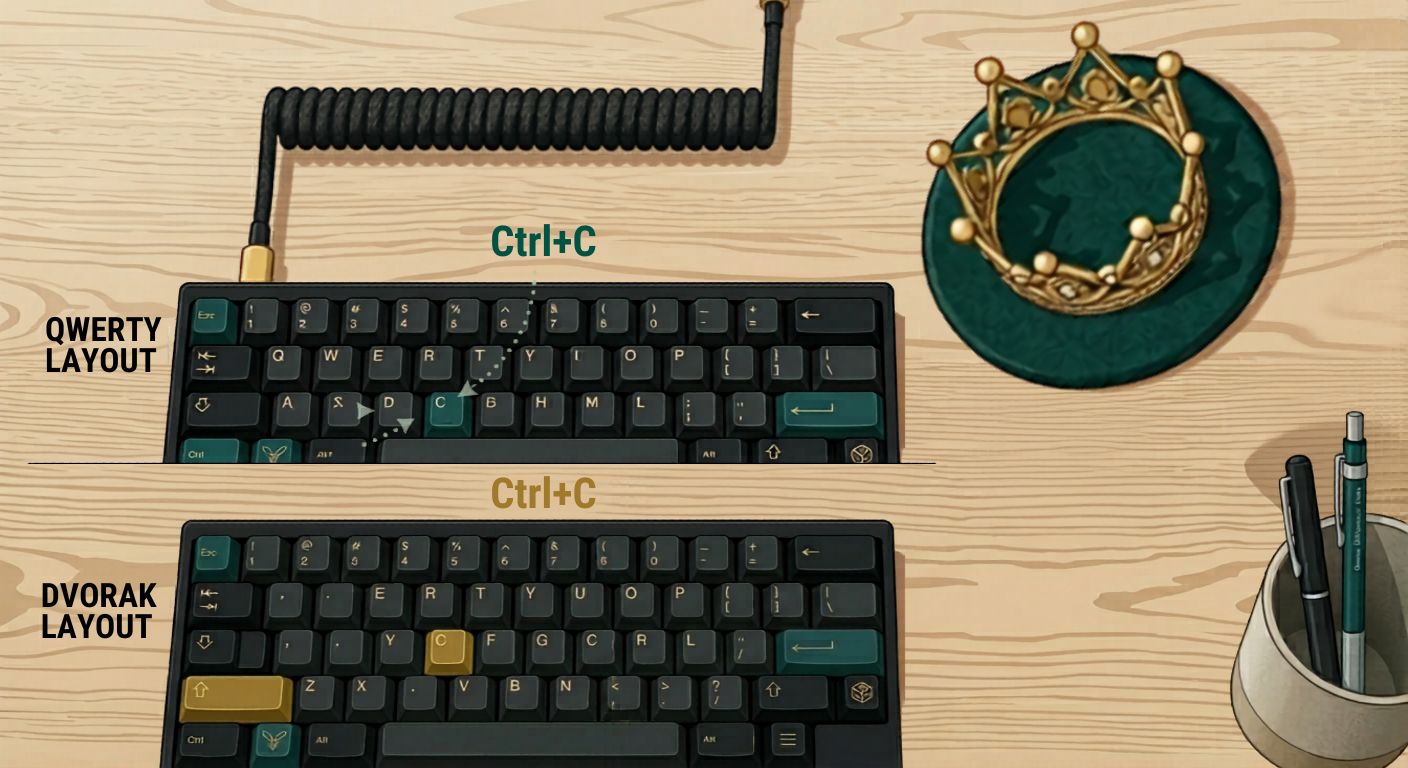
Shortcuts are a nightmare. Ctrl+C, Ctrl+V, Ctrl+Z – all those muscle memory shortcuts are now in different places. Your pinky will reach for the wrong key constantly.
Gaming is weird. If you use keyboard controls in games, WASD isn't where it used to be. You'll have to remap every game or switch layouts before playing.
Other people can't use your computer. Hand your laptop to a colleague to type something? They'll be lost.
You become that person. Talking about keyboard layouts at parties. (I'm kidding. Mostly.)
How to Actually Switch to Dvorak (If You're Determined)
If you've read all the warnings and still want to try, here's the smart way to do it.
Step 1: Change your OS layout first. Don't buy a new keyboard. Just add Dvorak in Windows or Mac settings. You physically will still say QWERTY – that's fine. Memorization is the point.
Step 2: Use a training app for one week. You practice Dvorak with guided lessons. Do 15 minutes daily.
Step 3: Go cold turkey. Don't switch back to QWERTY when you get frustrated. That just extends the pain. Commit to Dvorak for everything for two weeks.
Step 4: Print a Dvorak layout cheat sheet. Tape it to your monitor. Don't look at your hands – look at the cheat sheet if you need to.
Step 5: After one month, decide. If you still hate it, switch back. No shame. Dvorak isn'tfor everyone.
What About Dvorak on TypingBattles?
You can absolutely race on TypingBattles using Dvorak. The site doesn't care what layout you use – it just measures what you type.
In fact, racing is a great way to pressure‑test your new layout. The timer and the opponent force you to stop thinking about finger positions and just type.
That said, expect your WPM to drop dramatically for the first few weeks. Don't let it discourage you. Everyone goes through it.
The Alternatives to Dvorak
Dvorak isn't the only game in town.
Colemak is newer (2006). It keeps many QWERTY letters in place, so common shortcuts and gaming keys still work. The learning curve is gentler. Most people who want better ergonomics but don't want the full Dvorak nightmare choose Colemak.
Workman is even more extreme. It prioritizes vertical finger movement. Niche, but loved by its fans.
QWERTY is fine. Really. Unless you have pain or you're a typing nerd, you don't need to switch.
The Bottom Line: Is Dvorak Worth It?
Here's my honest take after years of watching people try.
For most people? No.
The benefit is real – less finger travel, potentially less fatigue, maybe a small speed boost. But the cost is high. Weeks of frustration. Broken shortcuts. Awkward gaming. Incompatibility with other computers.
For the small subset of people who have chronic pain or who are obsessed with optimization? Yes, Dvorak can be life‑changing.
But don't switch because you think it'll magically make you type 120 WPM. It won't. Practice makes you faster. The layout is just a tool.
If you're curious, try it for two weeks. See how it feels. If you hate it, go back. No harm done.
Just don't throw away your QWERTY muscle memory until you're sure.
Key Takeaways
- Dvorak is an alternative keyboard layout designed for efficiency: 70% of keystrokes on the home row, alternating hands, stronger fingers doing more work.
- It reduces finger travel by 30‑40% compared to QWERTY, which can reduce fatigue for some typists.
- The learning curve is brutal: expect 5‑10 WPM for the first week, and 4‑8 weeks to regain your old speed.
- Most people don't see a dramatic speed increase – the main benefit is comfort, not raw WPM.
- Dvorak breaks common shortcuts (Ctrl+C, Ctrl+V) and gaming keys (WASD).
- You should switch only if you have wrist pain or are a keyboard enthusiast. Casual typists should stay on QWERTY.
- Colemak is a gentler alternative that keeps many QWERTY key positions.
- Test Dvorak by changing your OS layout first – don't buy a new keyboard.
Author Bio
Abid is a competitive typist and a regular on the TypingBattles leaderboard. He started hunting and pecking at 15 WPM in high school and spent two frustrating years unlearning bad habits. Now he types at 105 WPM and has won over 400 online typing races. When he's not battling strangers on the internet, Abid coaches his local coding club's typing sessions and tests every keyboard he can get his hands on. He believes anyone can become a Key Master – they just need to stop looking down.
Recommendations
Thinking about switching to Dvorak? Before you do, know your baseline.
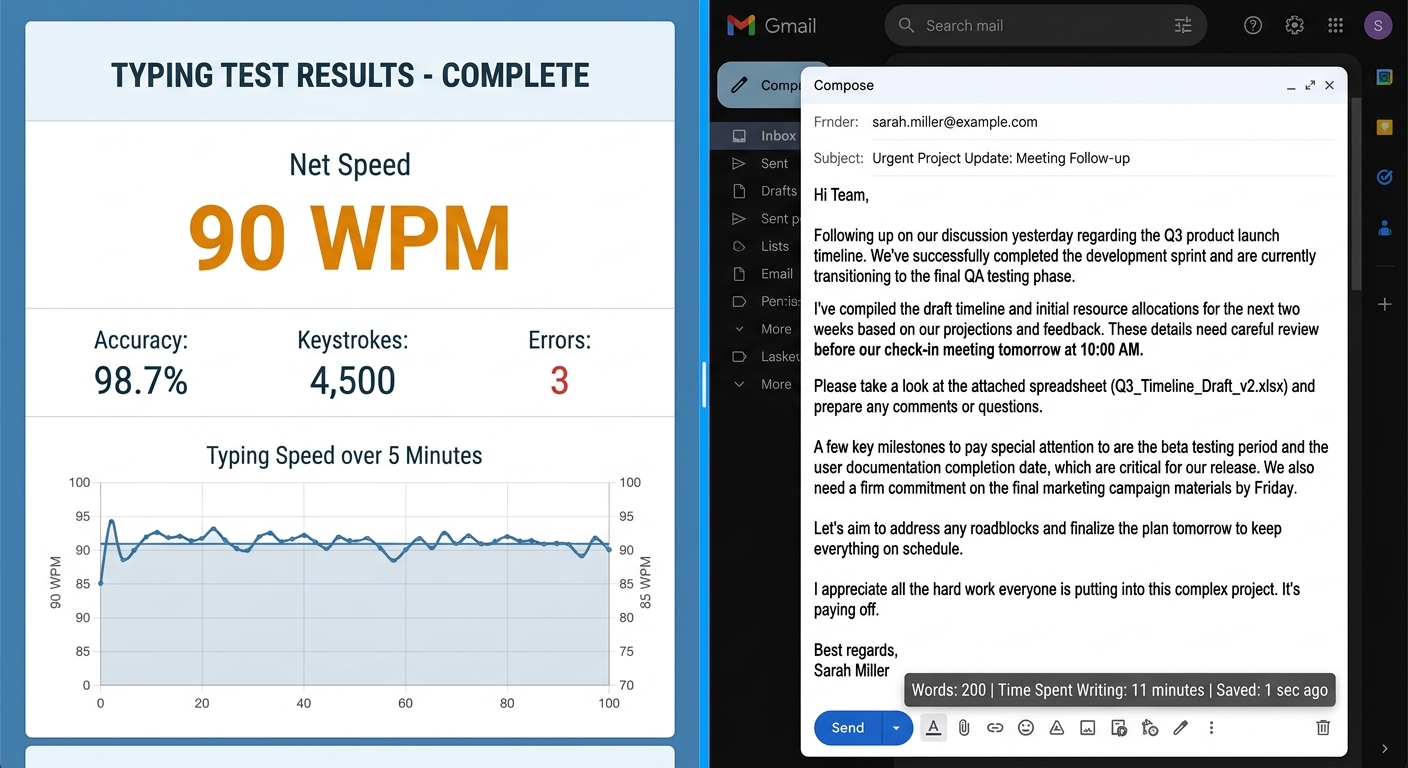
Take a typing speed test on TypingBattles right now. Type in QWERTY. Get your WPM.
Then, if you decide to make the switch, come back in two months and race again. See if the pain was worth it.
Test your QWERTY speed now →
Read Also:
- Keyboard Switches Changed My Typing Life – But Not How You'd Expect
- I Thought Keyboard Dark Mode Was Silly – Then I Tried It Properly
- Gaming Keyboard and Mouse: I Read 100+ Reddit Threads So You Don't Have To
- Keyboard Clicker: I Added Fake Clicks to My Silent Keyboard – Here's How It Went
- Typing Dinosaur vs Typing Bike, Which Game Improves Typing WPM?