I have a problem.
My office keyboard is silent. Cherry MX Silent Red switches. They're great for not annoying my cubicle neighbors. But they feel like typing and pressing marshmallows.
I missed the click. That sharp, satisfying thock of a Blue switch.
So I went looking for a solution. Turns out, there's software that adds fake clicking sounds to any keyboard. You type. The app plays a sound. Instant fake mechanical feedback.
I had tested three options in last two weeks. Some were brilliant. Others were a waste of time.
Let me tell you what i found.
Why Would Anyone Want Fake Clicks?
Before you laugh, hear me out.
There's real psychology behind this. Audio feedback helps your brain confirm an action. That's why touchscreens vibrate when you tap them. It's why ATMs beep.
For typing, that click tells you: "Yes, the key registered. Move to the next one."
When I shifted to silent switches, my accuracy suddenly dropped by about 4%. I wasn't sure if I was pressing hard enough. The fake click brought that accuracy back.
Other reasons people use clickers:
- They're stuck on a mushy laptop keyboard and want a better feel
- They have a disability that makes detecting key presses harder
- They just like the ASMR of typing sounds (no judgment)
The Three Clickers I Tested
I installed each on my Windows work laptop and used them for a few days.
Mechvibes – The Clear Winner
This is free and open source. You can find it on GitHub.
When you open Mechvibes, you see a list of switch sounds: Cherry Blue, Brown, Red, Box White, even vintage typewriter clicks. Pick one. Adjust volume. That's it.
The latency is shockingly low. I couldn't feel any delay between my finger hitting the key and the sound playing. It felt almost like a real mechanical board.
I used the "Cherry Blue" setting. My coworkers didn't notice because I wore headphones. But I felt more focused.
Verdict: If you try one clicker, make it this one.
Tickeys – The Weird One
Tickeys has been around for years. It offers typewriter, bubble, and even "laser" sounds.
The latency was noticeable – about 50ms. The brief delay created an odd feeling, similar to watching a video with poorly synced audio.
It also crashed twice in three days.
Verdict: Skip it. Not worth the hassle.
ClickKey (Chrome Extension) – Good for Browser‑Only
This runs only inside your web browser. It doesn't affect system sounds.
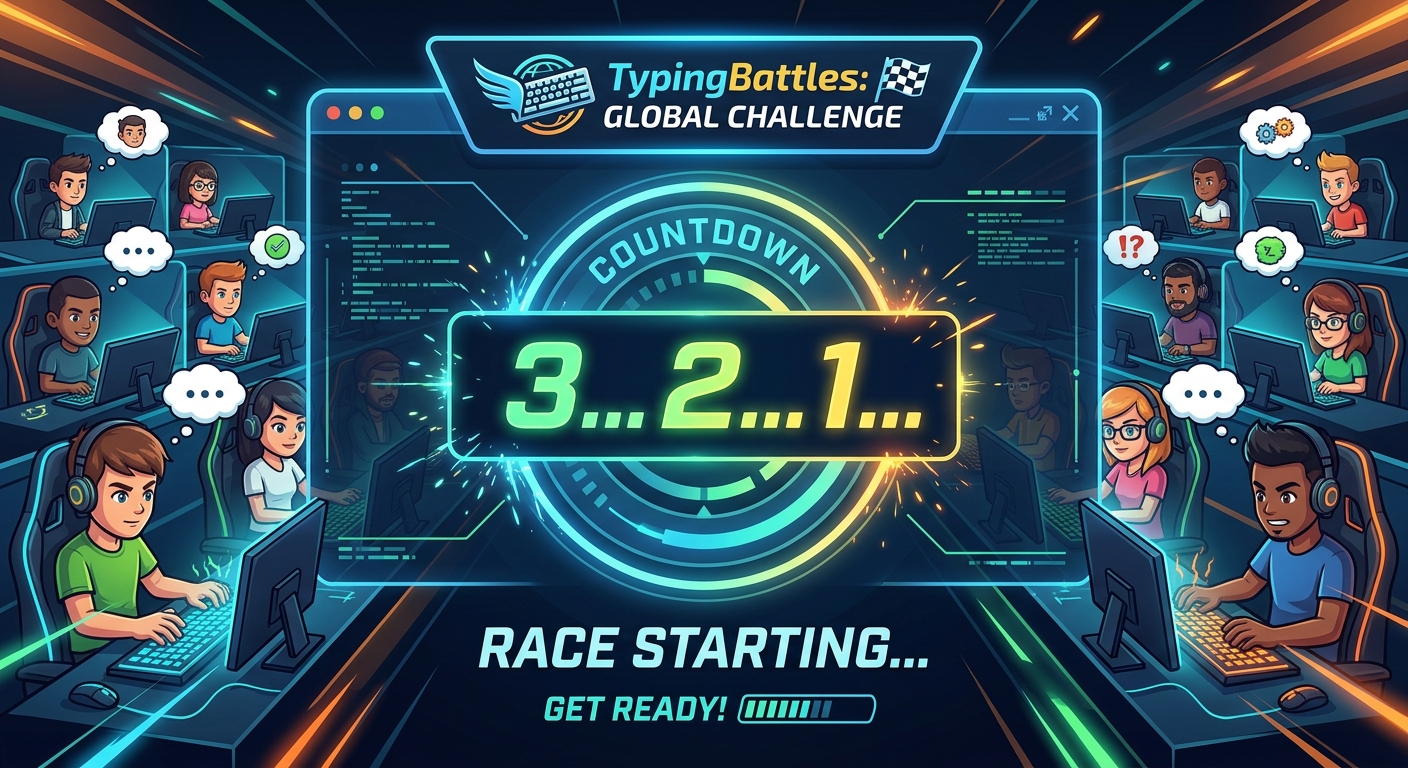
I used it while racing on TypingBattles. The click sounded cheap – like tapping a plastic cup. But it worked without any setup.
The main downside? It doesn't work outside Chrome. So if you switch to a Word document or Slack, silence returns.
Verdict: Fine for typing tests. Not for all‑day use.
What I Learned About Latency
Here's the deal. Any delay between pressing a key and hearing the click ruins the illusion.
Your brain expects instant feedback. Even 30 milliseconds feels wrong. You start second‑guessing: "Did I press that? Or did the sound lag?"
Mechvibes got it right. The others didn't.
If you're going to use a clicker, test the latency first. Type a sentence. If the sound feels even slightly behind, try a different app or adjust your audio drivers.
The Surprising Benefit: Rhythm Training
This caught me off guard.
When I turned on the clicker, I started typing more rhythmically. The steady click click click helped me maintain a consistent cadence instead of bursting and pausing.
My WPM on TypingBattles didn't skyrocket, but my typing felt smoother. Less jerky. More like a flowing stream than a bumpy road.
I think the clicker acted like a metronome. My fingers subconsciously tried to match the beat.
The Downsides Nobody Mentions
It's not all good.
Noise leakage
Even with headphones, the click sound can bleed out. My wife heard faint clicking from across the room and asked if I was watching a typewriter ASMR video.
Battery drain
Running constant audio processing on a laptop drained my battery about 15% faster. On a long flight, that matters.
False confidence
The clicker doesn't actually change your keyboard. You're still typing on mush. The sound tricks your brain into thinking you have tactile feedback, but your fingers aren't learning anything.
I started pressing keys harder to make a louder click. That's bad technique. I had to remind myself to type lightly consciously.
Can a Clicker Help Beginners Learn Touch Typing?
Maybe. But with a big warning.
For a child or an absolute beginner, the instant audio confirmation can build confidence. They hear that click and know "I did it right."
But it can also become a crutch. If you started relying on the sound, what will happen while working with a silent keyboard at the workplace?
I'd say: use a clicker only for the first week or two. Then try yourself by turning it off. If your accuracy drops, you need more practice without the training wheels.
The Verdict: Worth It?
If you miss clicky feedback and can't buy a new keyboard, a clicker is a decent band‑aid.
- Use Mechvibes. It's free, low‑latency, and setting up is easy.
- Wear headphones unless you want to annoy everyone.
- Don't expect a WPM boost. At best, it makes typing more enjoyable. At worst, it's a distracting gimmick.
For me? I kept Mechvibes installed but only turn it on when I'm doing long writing sessions at night. It helps me find a rhythm. But I turn it off for racing on TypingBattles – I need pure, unfiltered feedback from my fingers.
Key Takeaways
- A keyboard clicker adds artificial typing sounds to any keyboard via software.
- Mechvibes is the best free option – low latency, open source, many switch sounds.
- Latency is critical. Anything over 20ms feels disconnected.
- Clickers are useful for practicing rhythm, though they can't replace the physical feedback that tactile keys provide.
- Use headphones to avoid annoying others.
- Short-term use can benefit new typists, though it's important to avoid developing a dependency.
- While it can aid practice, a clicker isn't a direct shortcut to higher WPM on TypingBattles.
Author Bio
Abid types at 105 WPM on TypingBattles. He once thought fake clicks were dumb. Then he tried them. Now he uses Mechvibes sometimes and doesn't tell his friends. His wife knows. She thinks it's hilarious.
Recommendation
Want to see if fake clicks mess with your head?
Race on TypingBattles with no sound. Then install Mechvibes and race again. Compare.