The first time I heard the phrase "Key Master," I pictured something different.
Maybe a grizzled sensei standing in a dimly lit dojo, making you practice the home row a thousand times. Or a secret society of typists who can hit 120 WPM without breaking a sweat.
Turns out, I wasn't completely wrong.
"Key Master" can mean a lot of things in the typing world. There's the classic arcade-style game where you literally fight monsters by typing. There's a physical keyboard designed for schools that goes completely dark at the press of a button. And then there's the person who simply doesn't look at the keyboard anymore.
Today, I'm going to walk you through all of it.
First Stop: The Game
You want to feel like a wizard? Go play "The Key Master."
This isn't some boring "type the letter that appears on the screen" drill. In this game, you're a mage defending yourself against a horde of classic fantasy creatures. Goblins, trolls, ogres – the whole gang. The only way to defeat them is to type the words that appear above their ugly heads. The faster and more accurately you type, the faster they explode.
Each enemy has a word or a name. As you blast through them, you get a little faster, a little more accurate. It's one of the best examples of stealth learning out there. You get so focused on not getting eaten by a troll that you completely forget you're practicing your keyboarding.
I used to fire up games like this just to warm up before a work session. Fifteen minutes of destroying pixelated monsters, and my fingers felt loose and fast. It's the exact same concept we use on TypingBattles.com, just with a fantasy twist – the pressure of the timer and the threat of the enemy (or opponent) forces your brain to shift from "thinking about typing" to "just typing."
Second Stop: The Hardware
Now, let's talk about the physical world. You can't become a true Key Master if you're still peeking at your fingers.
That's the genius behind the KeyMaster Keyboard.
This isn't a piece of software. It's a real, physical keyboard designed specifically for schools and people serious about touch typing. At a glance, it looks like any other decent keyboard. But look closer. There's a button.
When you press that button, the lights go out. The letters on the keys vanish.
This is a game-changer for a few reasons.
First, it forces you to rely on muscle memory. You can't cheat. When the labels are gone, you have to know where the keys are. Second, it's way better than those flimsy silicone keyboard covers that feel awful to type on. They feel cheap and slide around. The KeyMaster keyboard solves that by building the "blind" feature directly into the hardware.
I love the idea of "Lights Out" practice. It turns typing into a test of memory. Teachers love it because they can instantly see who is actually memorizing the keyboard and who is still hunting and pecking.
It's a brilliant solution to a problem I see all the time. You think you know the keyboard layout. You feel pretty confident. But the moment someone dims the lights or takes the labels away, you freeze. That gap – between thinking you know and actually knowing – is what the KeyMaster Keyboard is designed to destroy.
Third Stop: The Mindset
But here's the secret I really want you to walk away with. The gear is cool. The games are fun. But the title of Key Master isn't something you buy. It's something you earn.
Being a Key Master means your fingers know the keyboard better than your eyes do.
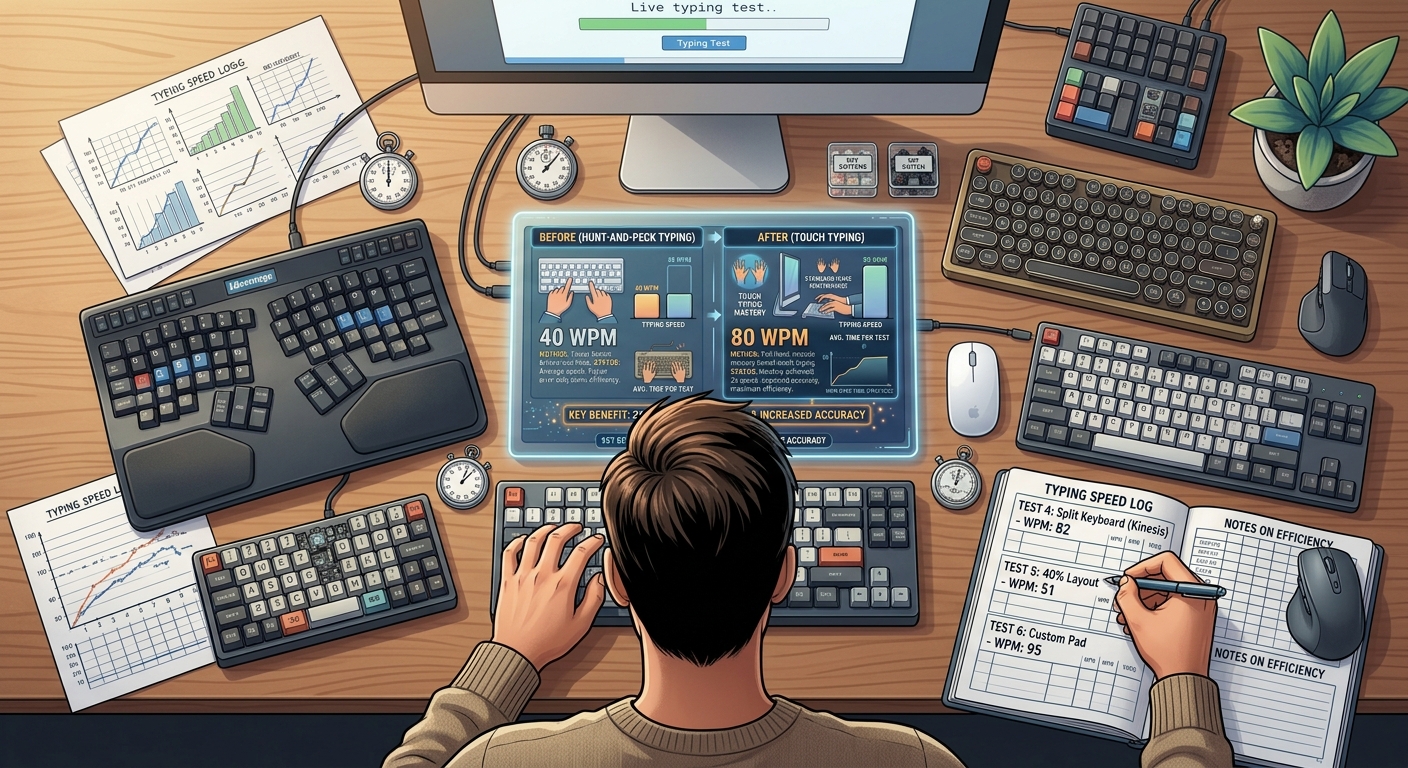
I've seen people with $30 keyboards type faster than people with $300 ones. Why? Because they put in the time. They ditched the bad habits. They sat up straight, kept their wrists floating, and forced themselves to stop looking down.
It's the same mentality as any other skill. You have to be honest with yourself about your weak spots.
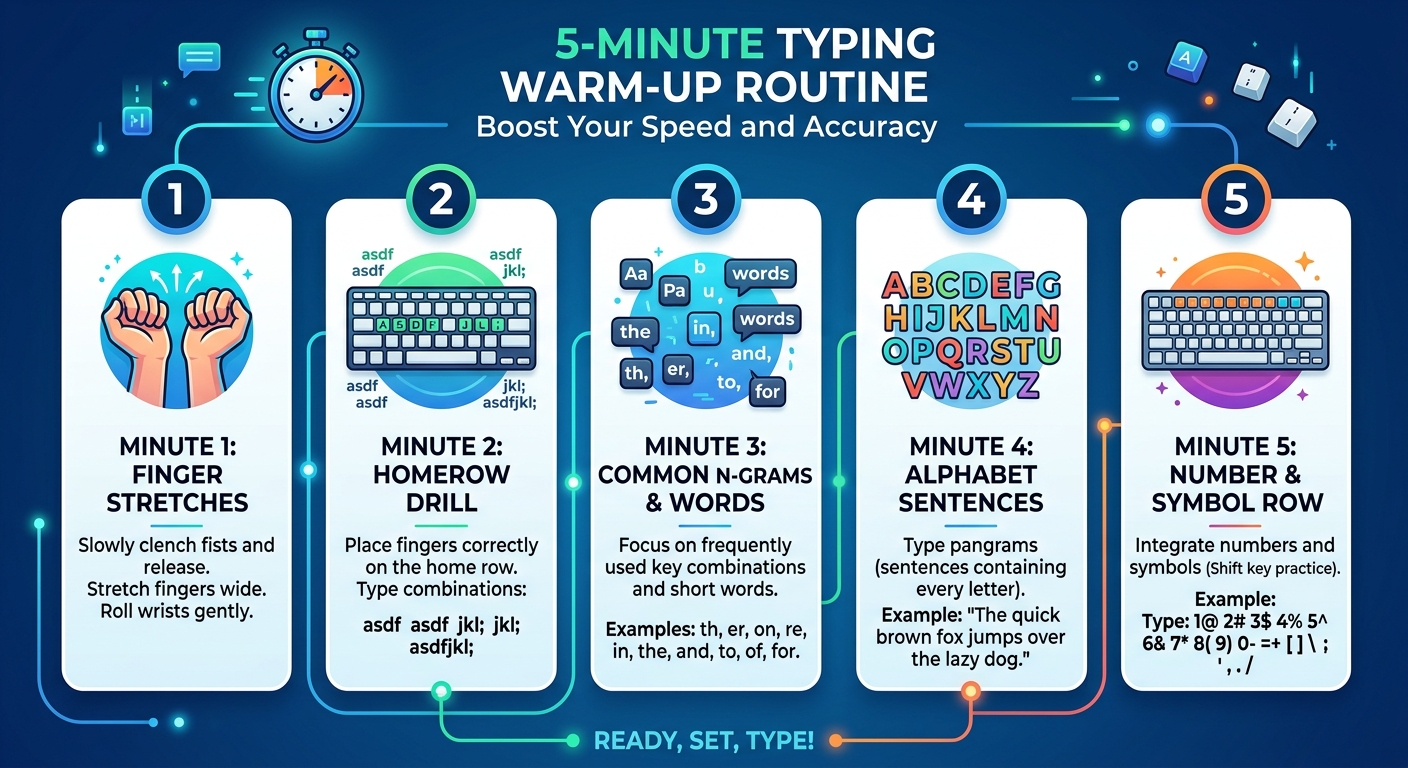
Do you freeze up on punctuation? Do you fumble the "Y" and "U" keys? A true Key Master identifies those gaps and drills them relentlessly.
There are specific software programs and apps out there that help you do this. Some call themselves "KeyMaster" in the app store. A lot of them are solid. They offer scenario-based practice, tracking your keystrokes per minute (CPM) and accuracy. One app called KeyMaster even provides detailed reports on your finger load and error heat zones. You can literally see a heatmap of your mistakes. If your left pinky is holding you back, you'll know it instantly and can work to fix it.
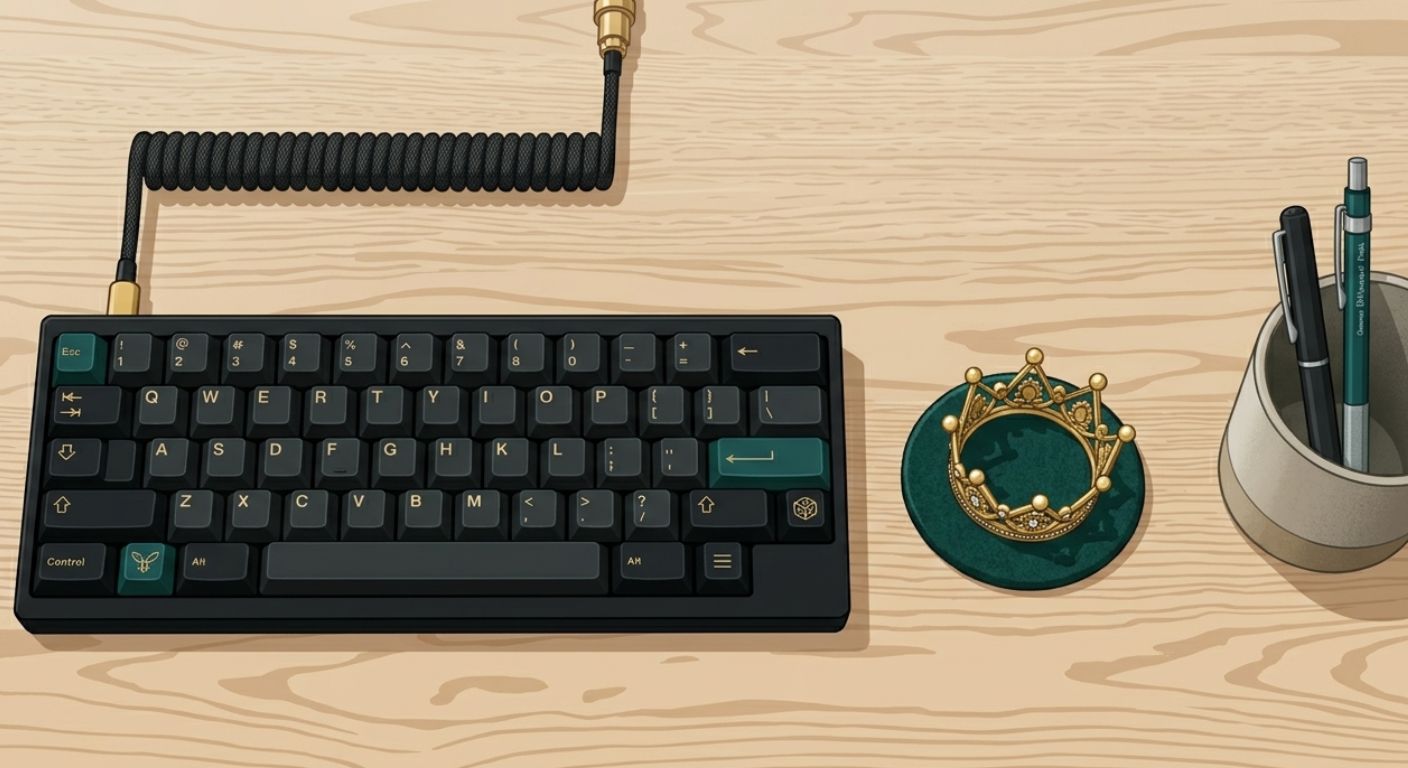
How to Claim Your Crown
So, how do you actually go from a regular typist to a Key Master?
You don't need a special keyboard or a special game, though they help. You just need a plan and a little patience.
Here's my three-step blueprint:
Step 1: Go Dark
Forget fancy keyboards. Just drape a dish towel over your hands and the keyboard. I'm serious. If you can't afford the KeyMaster hardware, this is your "Lights Out" moment. It's free, and it works like a charm.
Step 2: Find Your Weak Spots
Take a typing speed test on TypingBattles. Don't just look at your words per minute. Look at where you slowed down. Was it a capital letter? A period? Write down your three most common errors.
Step 3: Pressure Test
Practice is good. Practice under pressure is better. Come join a multiplayer typing battle. The timer and the competition will push you past your comfort zone. You'll stop overthinking and start reacting. That's where mastery lives.
The Bottom Line
The idea of the "Key Master" is timeless. It's the drive to make the keyboard an extension of your body, rather than a clunky tool you have to fight with.
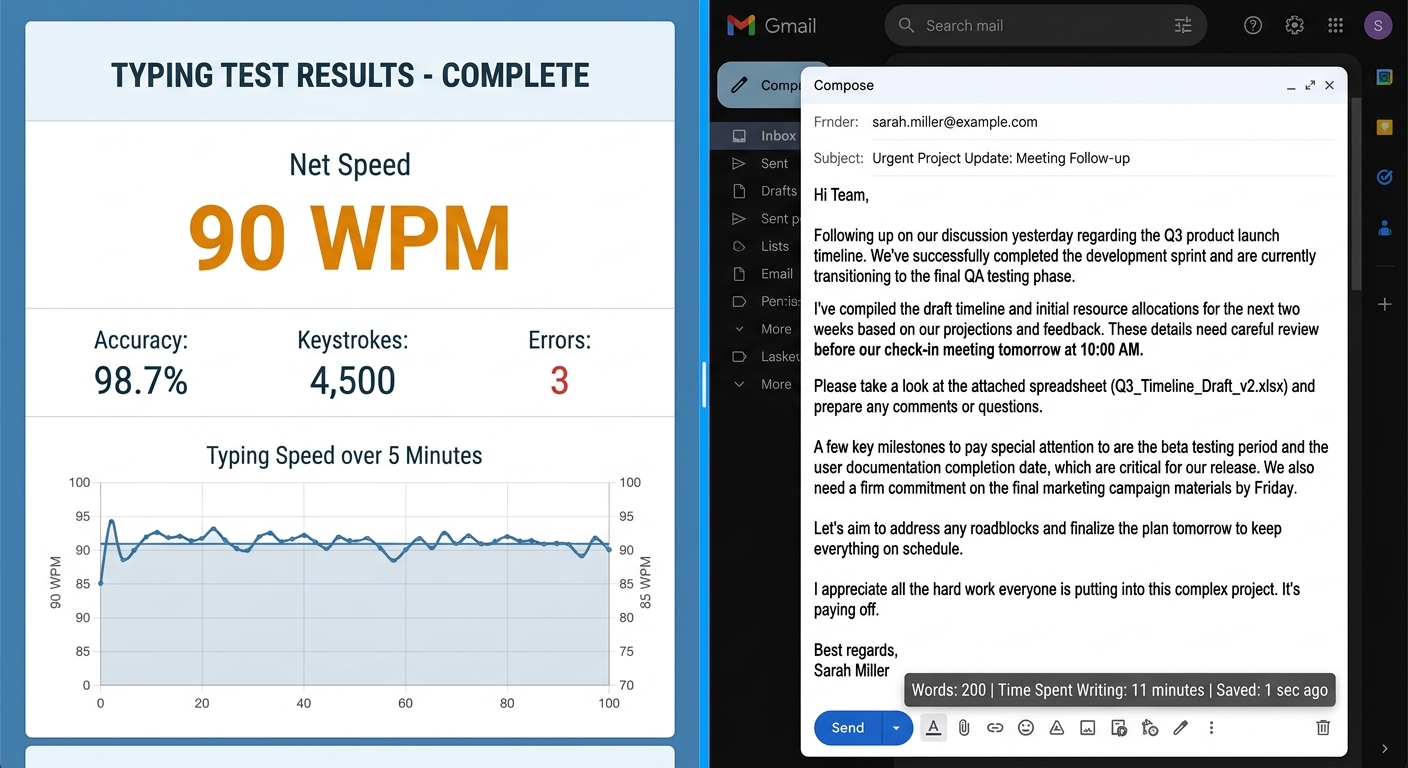
Whether you're slaying trolls in a browser game, battling a friend in a real-time race, or just writing an email without once looking down at your hands – that's the feeling.
Now, what's your high score? Let's find out.
Key Takeaways
- Key Master is a mindset, not just a specific tool. It's about achieving total control over the keyboard.
- The classic "Key Master" typing game is a fun way to practice by typing words to defeat fantasy monsters.
- The KeyMaster Keyboard is a physical keyboard with a "Lights Out" button that hides the key labels to force blind typing, making it a fantastic tool for schools and serious learners.
- Mastery comes from going "dark" visually (not looking at your fingers), identifying your weak spots, and practicing under pressure.
The fastest path to mastery is by combining structured practice with real-time competition.
Author Bio
Abid is a competitive typist and a regular on the TypingBattles leaderboard. He started hunting and pecking at 15 WPM in high school and spent two frustrating years unlearning bad habits. Now he types at 105 WPM and has won over 400 online typing races. When he's not battling strangers on the internet, Abid coaches his local coding club's typing sessions and tests every keyboard he can get his hands on. He believes anyone can become a Key Master – they just need to stop looking down.
Recommendations
Enough reading about mastering the keyboard. It's time to actually sit down and do it.
Stop hunting and pecking. Stop looking down. Go dark and go fast.
Click below. Your first battle is waiting. Maybe you'll even race Abid.
Start Your Journey to Key Master →
Read Also:
- Touch Type Keyboard Layouts: Which One Actually Works Best for Your Fingers?
- Russian Keyboard Layouts: ЙЦУКЕН, ЯВЕРТЫ, and the Struggle of Typing Cyrillic
- Dvorak Layout: The Fast-Typing Alternative to Traditional Keyboards – But Brings Pain Before Progress
- Keyboard Switches Changed My Typing Life – But Not How You'd Expect
- I Thought Keyboard Dark Mode Was Silly – Then I Tried It Properly